Restorya AI
Restore, colorize, and upscale old photos - entirely offline, on your own PC.
About
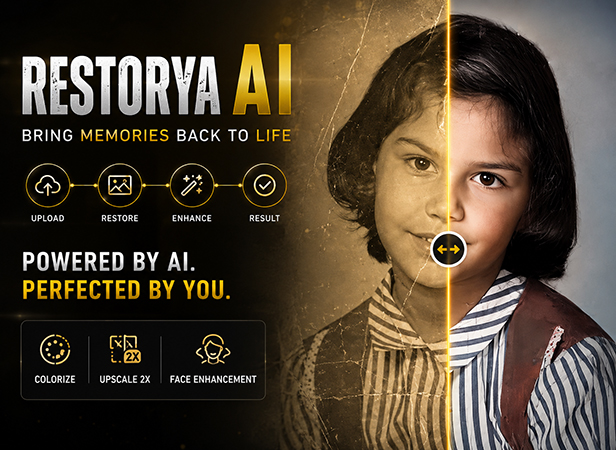
Restorya AI is a Windows desktop app for restoring old and damaged photographs. It repairs scratches and tears, restores faces, colorizes black-and-white images, and upscales resolution - all running locally on your own GPU. Your photos are never uploaded anywhere; everything happens on your machine.
Restorya automatically chooses the right repair pipeline for your hardware, so it stays fast and stable across a range of GPUs.
Not charging for it right now - it's available to install and use as-is.
How to Use
- Run the installer - right-click it and choose "Run as administrator", then launch Restorya AI once it's installed.
- Upload an old or damaged photo - drag and drop or browse.
- Click Restore. Restorya detects damage automatically and runs it through repair, face restoration, colorization (if the photo is black & white), and upscaling.
- Compare the before and after side by side, then save your result.
Requirements
- OS: Windows 10 or 11, 64-bit
- GPU: NVIDIA GPU with CUDA support (required - Restorya does not run on CPU-only or non-NVIDIA systems)
- VRAM: 4GB minimum, below which the app automatically switches to a lighter repair pipeline to stay fast and stable. 6-8GB or more recommended for the full-quality Old Photo Restoration pipeline.
- Disk space: ~5GB free - the installer bundles all AI models so the app works fully offline after installing.
Credits
Restorya AI is built on top of these open-source research projects: GFPGAN, Real-ESRGAN, LaMa, Microsoft Research, and DeOldify.
Get Restorya AI
Enter your email and we'll send the download link straight to your inbox.